
操作方法
操作方法:在 ArcGIS Urban 中将建筑面积比参数导出至 Excel 文件
描述
楼层面积比 (FAR) 参数根据地块或土地宗地的大小确定允许的最大建筑物楼层面积。 此参数调节特定区域内的开发密度和强度。 在 ArcGIS Urban 中,可通过创建方案 Web 场景将 FAR 参数导出到 Microsoft Excel 文件,这会在 ArcGIS Online 中生成 Web 场景和托管要素图层。 然后,可以将托管要素图层导出到 Excel 文件并下载到本地文件夹。 此方法提升了参与土地利用和分区规则的专业人员的数据可用性、分析、可视化和共享能力。 本文提供了将建筑面积比参数从 ArcGIS Urban 导出到 Microsoft Excel 文件的工作流。
解决方案或解决方法
Note:
To complete the following steps, the plan scenario must be added with planned developments and parcels. Refer to ArcGIS Urban: Work with building types and ArcGIS Urban: Add and edit parcels for more information.
- 登录 ArcGIS Urban 并打开 Urban 模型。
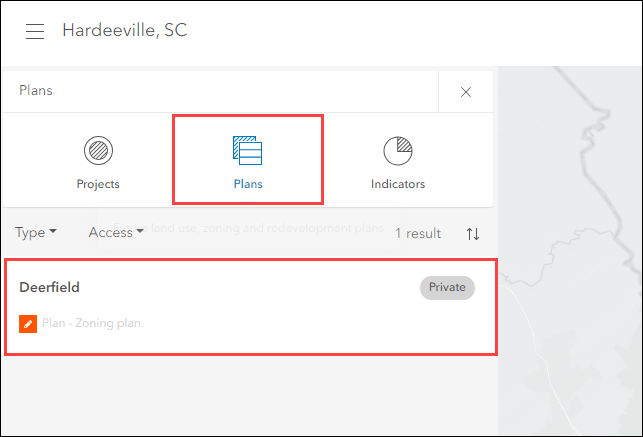
- 在侧面板上,单击计划并选择所需的计划。
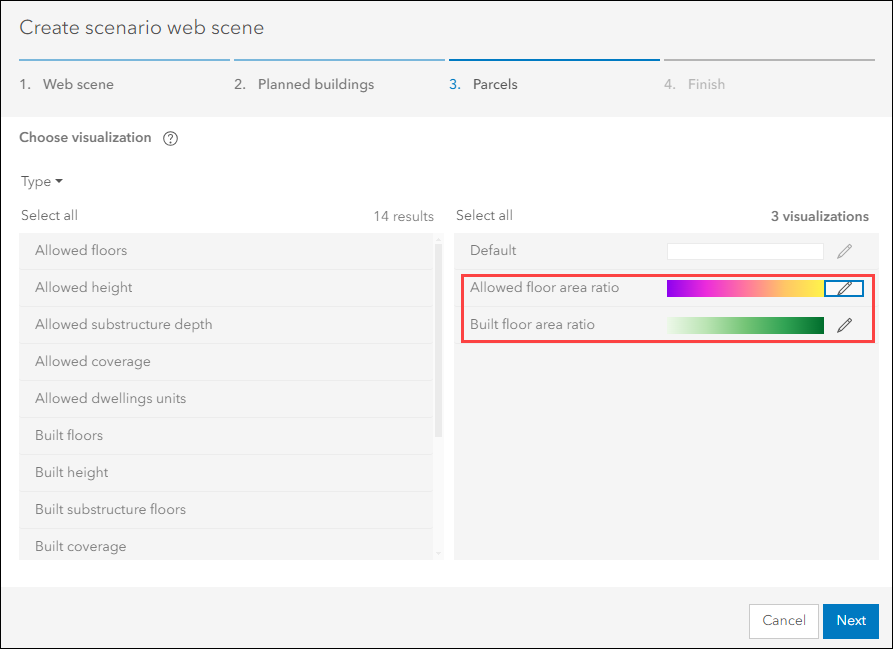
- 在计划编辑器中,创建方案 Web 场景。 在宗地选项卡上,将已建楼层面积比和允许的楼层面积比图层可视化(要包含在 Web 场景中)拖动到创建方案 Web 场景对话框右侧的框中。
Note:
In ArcGIS Online, the hosted scenario feature layer and scenario web scene are created. The Built floor area ratio and Allowed floor area ratio layer visualizations are added to the scenario web scene as a group layer under the Parcels layer.
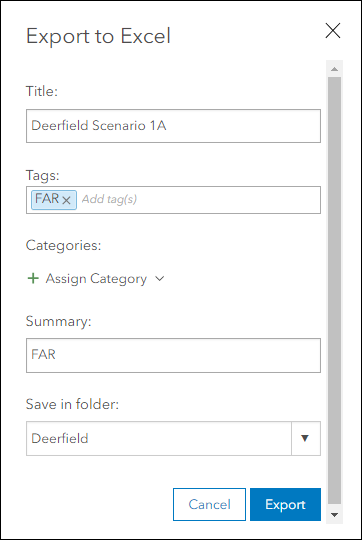
- 在 ArcGIS Online 中,将托管方案要素图层导出到 Excel 文件。 有关说明,请参阅 ArcGIS Online:从托管要素图层导出数据。
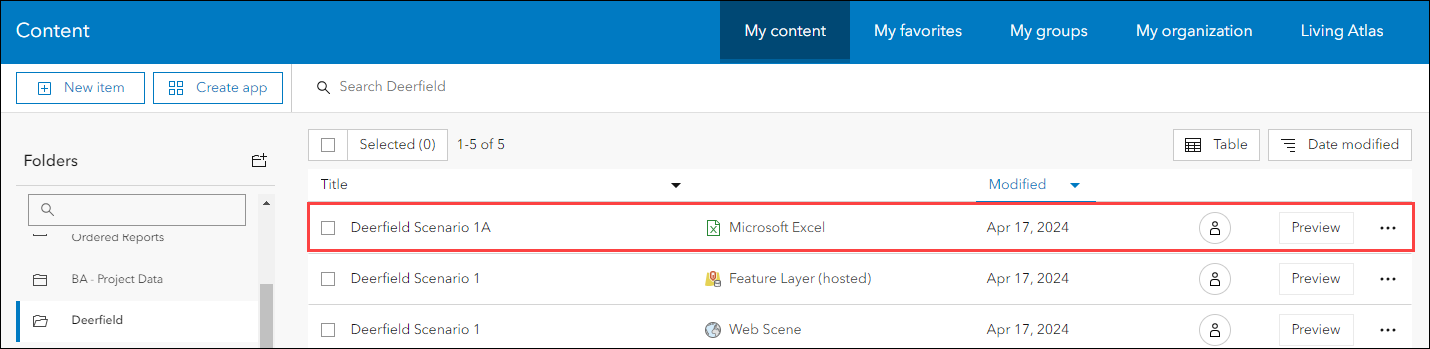
下图显示了从 ArcGIS Online 的“内容”页面上的根文件夹中的托管方案要素图层导出的 Excel 文件。
文章 ID: 000031835
获得人工智能支持
使用 Esri Support AI Chatbot 快速解决您的问题。


相关信息
发现关于本主题的更多内容

Search for related information

Find training related to this topic

Explore ideas and give feedback
获取来自 ArcGIS 专家的帮助
立即开始聊天