
PROBLEM
Unable to publish a web map to the ArcGIS Enterprise portal with an error
Description
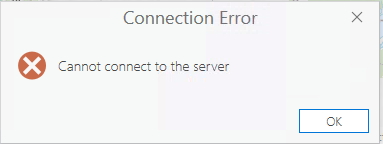
When attempting to publish a web map from ArcGIS Pro to the ArcGIS Enterprise portal, the process fails to complete, and the following error message is returned:
Error:
Connection Error: Cannot connect to the server
Cause
The Service and Administration URL do not match the server's Web Adaptor and port URL.
Solution or Workaround
Update the Service and Administration URL in the ArcGIS Portal Directory REST API.
- Navigate to the ArcGIS Portal Directory REST API and log in as an administrator.
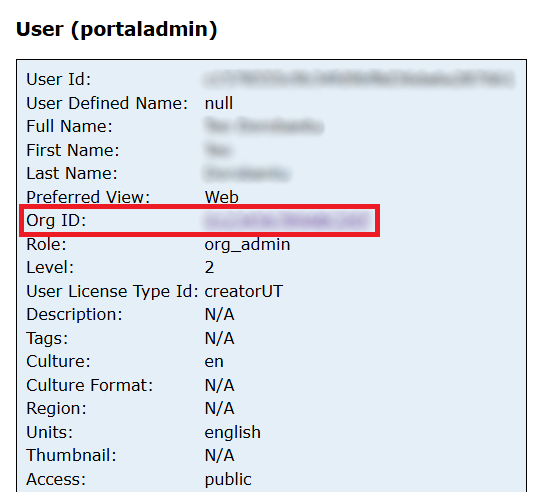
- In Org ID, click the organization ID link and scroll down. In Child Resources, click Servers.
- Select the affected server from the list and click Update Server.

- In the Update Server pane, fill in the following values:
- For Name, specify the domain name.
- For URL, specify the Service URL of the server.
https://<domain-name>/<webadaptor-name>
- For Is Hosted, select True.
- For Server Type, specify ArcGIS.
- For Admin URL, specify the Server Admin URL.
https://<domain-name>:6443/arcgis
- Click Update.
- Return to the ArcGIS Enterprise portal home.
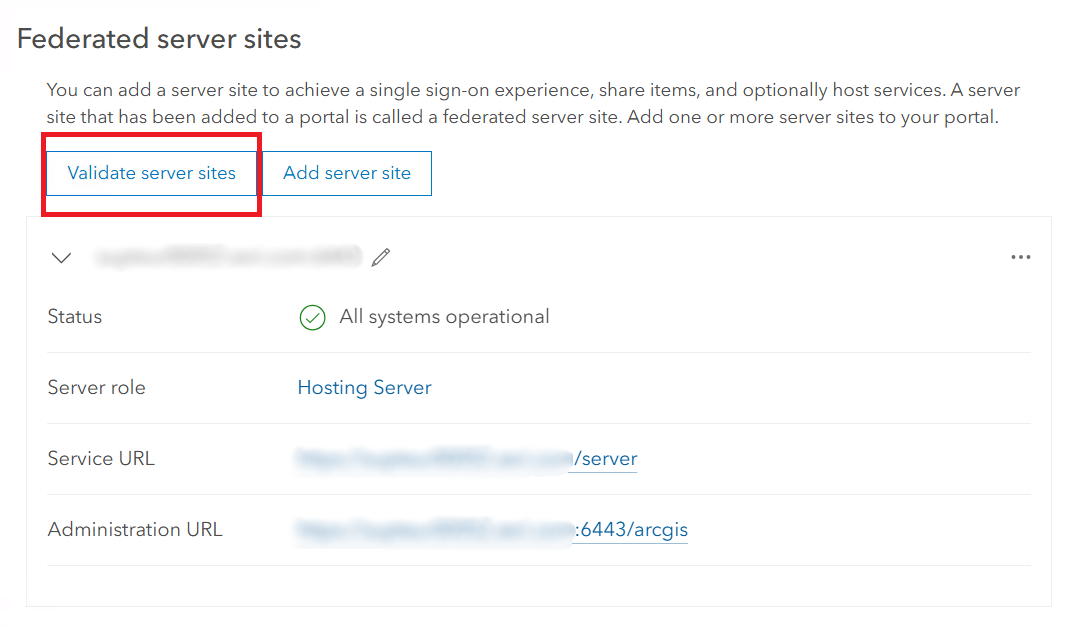
- Navigate to Organization > Settings > Servers, and click Validate server sites.
Article ID: 000037175
Software:
- ArcGIS Pro
- Portal for ArcGIS
- ArcGIS Enterprise
Get support with AI
Resolve your issue quickly with the Esri Support AI Chatbot.


Related Information
Discover more on this topic

Search for related information

Find training related to this topic

Explore ideas and give feedback
Get help from ArcGIS experts
Start chatting now