
ERROR
Portal for ArcGIS: The license file is invalid. The version of the selected file does not match software version
Error Message
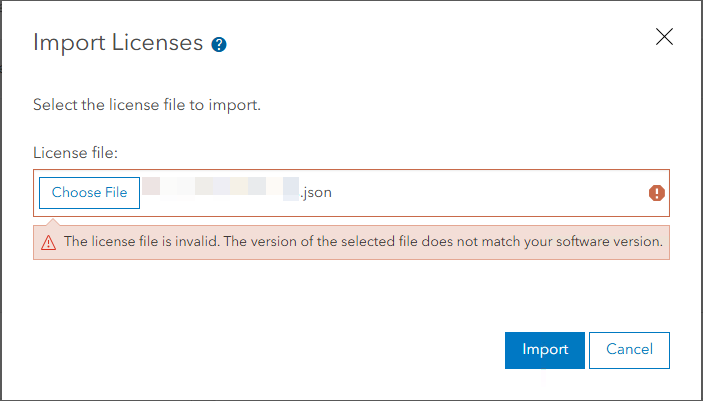
Attempts to import a license file to authorize Portal for ArcGIS fail, and the following error message is returned:
Error:
The license file is invalid. The version of the selected file does not match your software version.
Cause
There is a mismatch between the version of the license file created and the version of the Portal for ArcGIS installed.
Solution or Workaround
Note:
The following workflow requires specific My Esri privileges that can only be provided by the organization’s My Esri administrator. Request for permission if necessary.
To resolve the issue, create a new license file matching the current version of the Portal for ArcGIS installed on the machine. Refer to ArcGIS Enterprise: Obtain a portal license file for instructions.
Article ID: 000037886
- Portal for ArcGIS
- ArcGIS Enterprise
Get support with AI
Resolve your issue quickly with the Esri Support AI Chatbot.


Related Information
Discover more on this topic

Search for related information

Find training related to this topic

Explore ideas and give feedback
Get help from ArcGIS experts
Start chatting now