
操作方法
错误:TIF 图像限制为 4 GB,但在 Esri 软件中创建了更大文件大小的 BigTIFF 图像
描述
标准 TIFF 图像的大小限制为 4 GB。 大于该值的 TIFF 影像将以 BigTIFF 格式保存在 Esri 软件中。
2004 年,BigTIFF 创立,将偏移值更改为 64 位整数(8 字节),将理论最大文件大小扩展到 18,000 PB(PB)。
此格式可能会在某些不支持的应用程序中返回错误。请参见以下示例。
原因
BigTIFF 格式可创建大于 4 GB 的光栅图像,但某些应用程序(例如 AutoDesk 产品或 Windows 照片查看器)不支持。
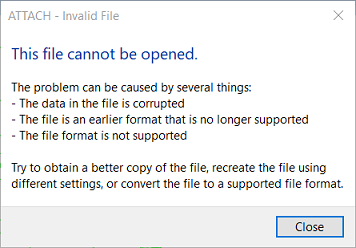
AutoDesk 应用程序返回以下错误消息:
This file cannot be opened.

The problem can be caused by several things:
- The data in the file is corrupted
- The file is in an earlier format that is no longer supported
- The file format is not supported

Try to obtain a better copy of the file, recreate the file using different settings, or convert the file to a supported format.
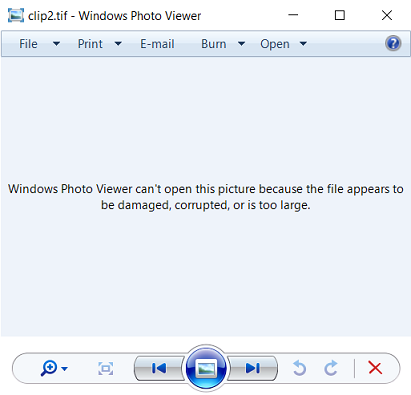
下图显示了 Windows 照片查看器返回的以下错误:
Windows Photo Viewer can't open this picture because the file appears to be damaged, corrupted, or is too large.
解决方案或解决方法
问题的解决方法是将 BigTIFF 裁剪到小于 4 GB。
文章 ID: 000031365
获得人工智能支持
使用 Esri Support AI Chatbot 快速解决您的问题。


发现关于本主题的更多内容

Search for related information

Find training related to this topic

Explore ideas and give feedback
获取来自 ArcGIS 专家的帮助
立即开始聊天