
问题
问题:ArcGIS Pro 2.6 及更高版本中的空白登录对话框
描述
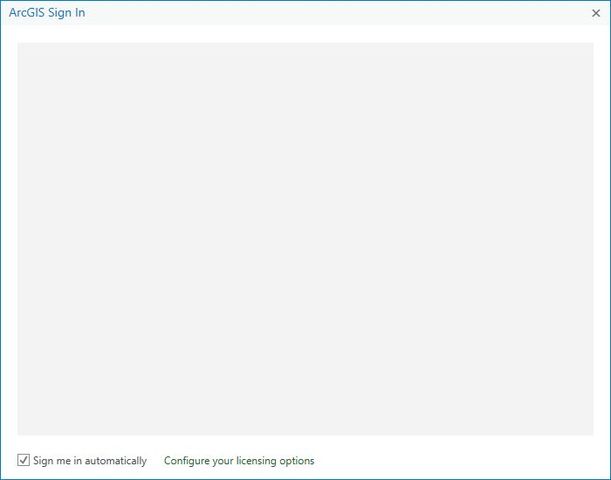
Attempting to log into a portal within ArcGIS Pro 2.6 and later versions may result in a blank ArcGIS Sign-in dialog box on certain computers with hardware acceleration enabled:
原因
This is a display issue related to graphics adapters or drivers.
解决方案或解决方法
The issue can be resolved by disabling hardware acceleration. Some users have reported success after updating graphics drivers and making other changes to their display settings. Alternatively, enable the browser sign-in option available at version 2.7.2
If you are still unable to sign in, please contact Esri Support Services: U.S. Customers
- Phone +1-909-793-3774
- Toll-free +1-888-377-4575
文章 ID: 000025347
获得人工智能支持
使用 Esri Support AI Chatbot 快速解决您的问题。


相关信息
发现关于本主题的更多内容

Search for related information

Find training related to this topic

Explore ideas and give feedback
获取来自 ArcGIS 专家的帮助
立即开始聊天