
PROBLEM
Some survey questions are missing from the Dynamic Content when using Survey123/ArcGIS Connector in Make and Power Automate
Description
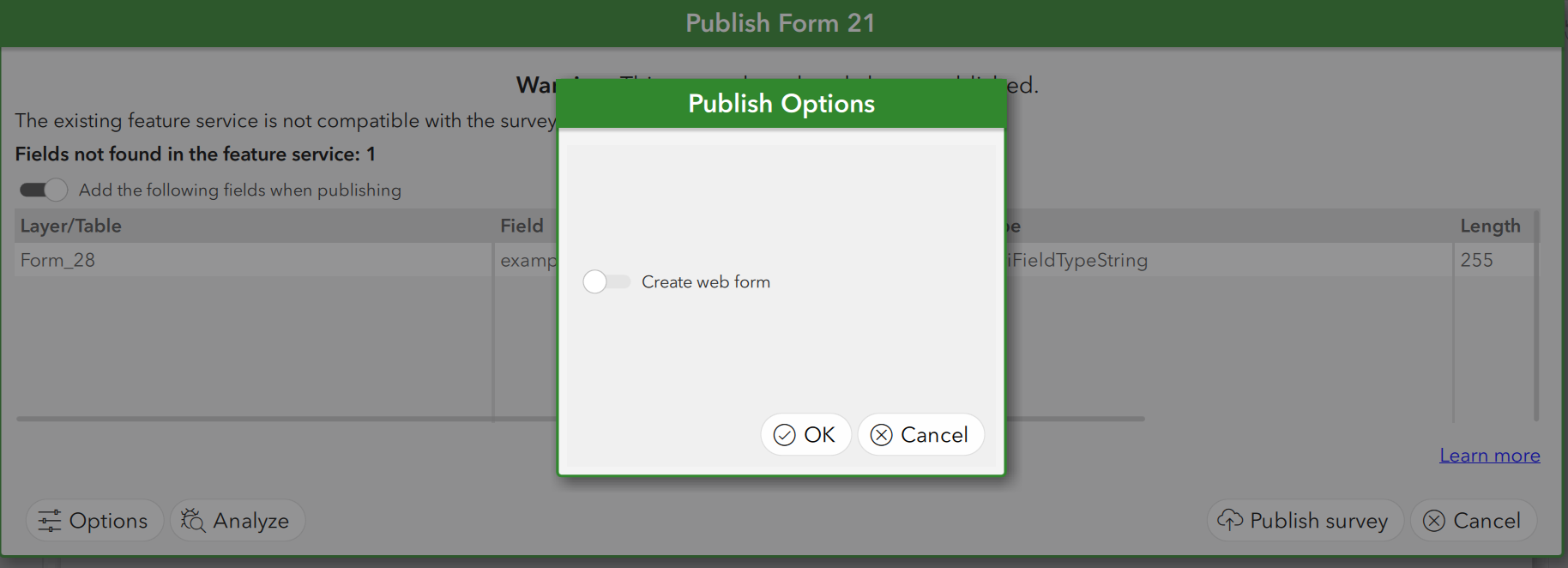
When a new field is added to a survey's form, if "Create web form" is off when republishing, the field is shown in the data table of the feature layer in ArcGIS Online, however, it is not shown in Make (formerly Integromat) or Microsoft Power Automate.
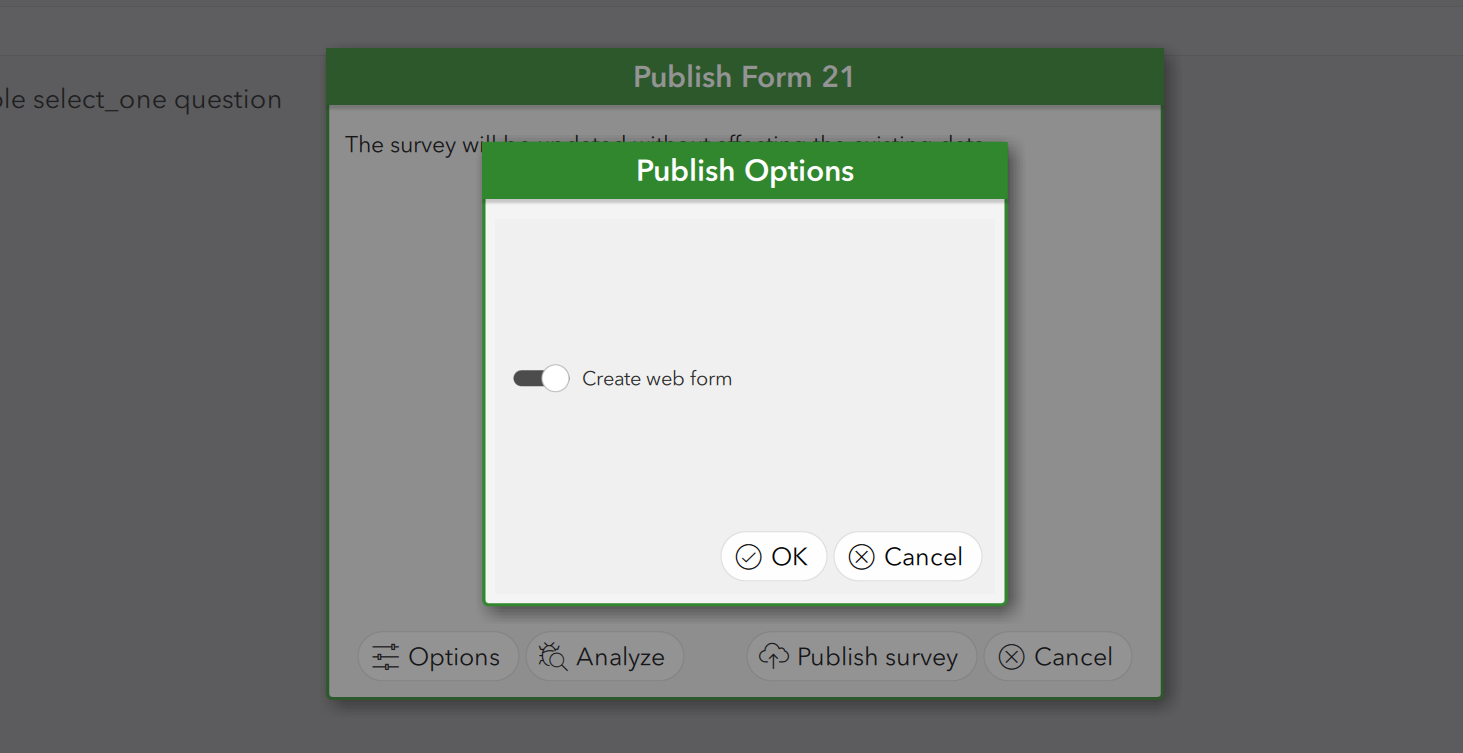
The image below shows the "Create web form" off when the survey is published:
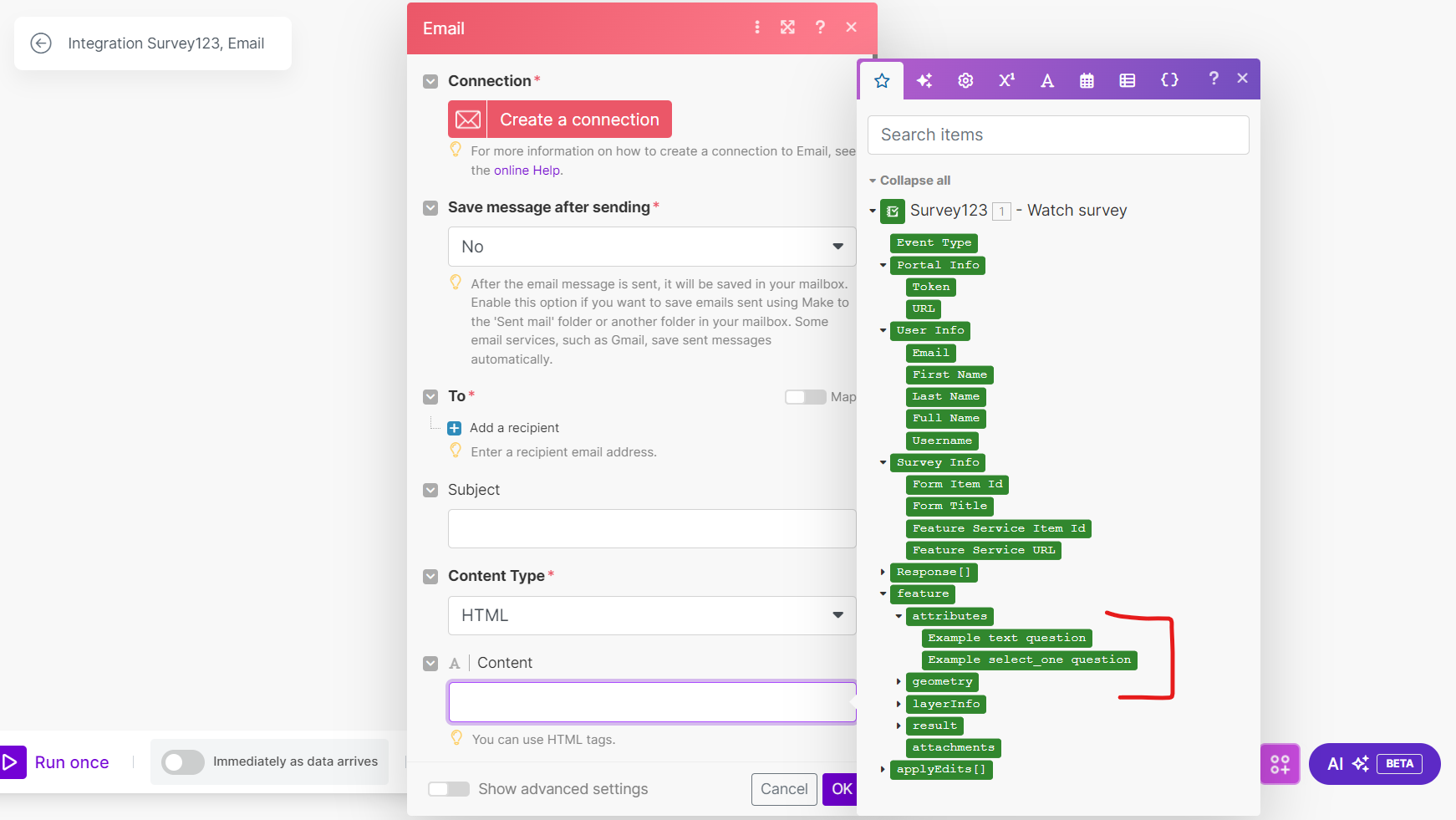
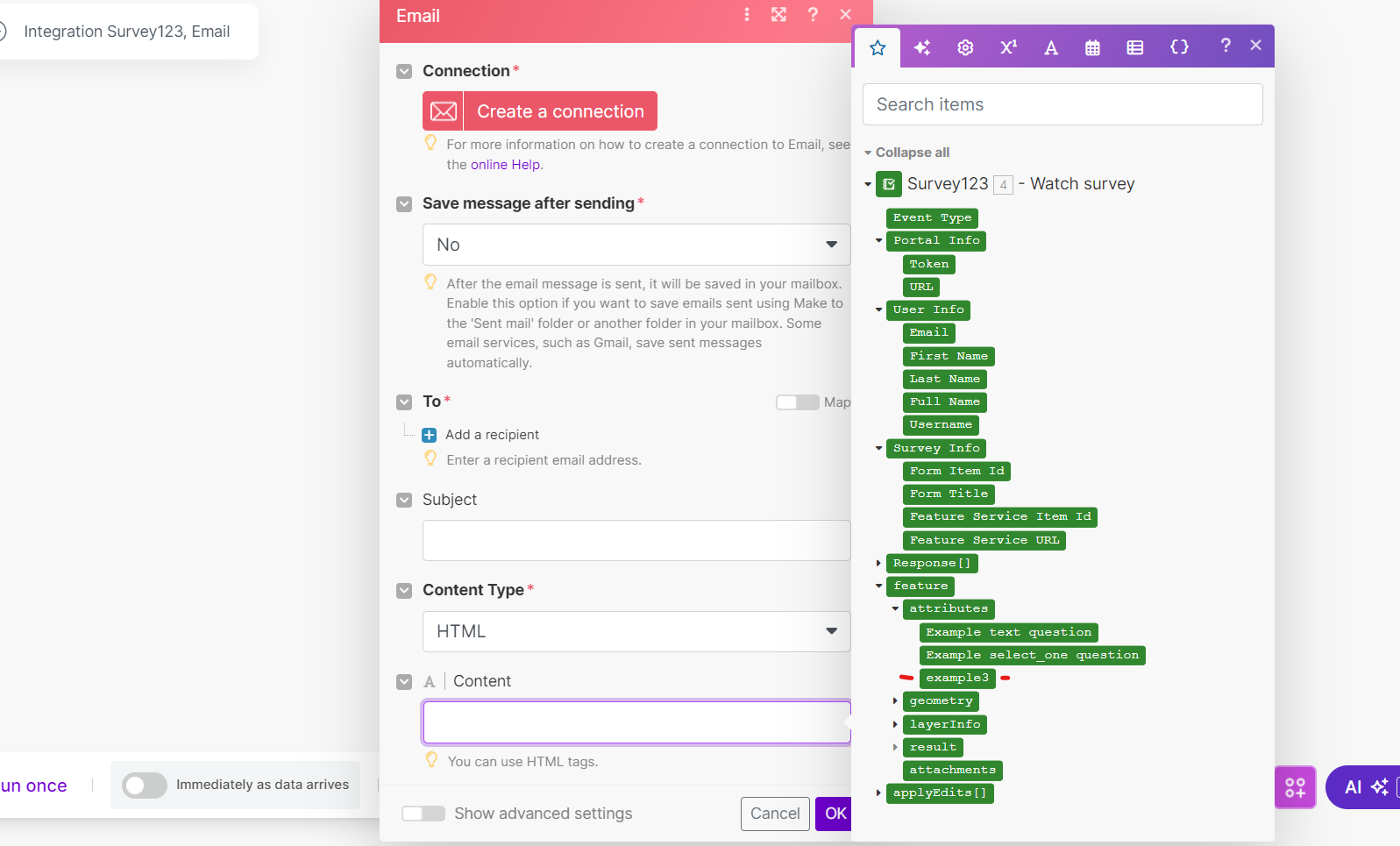
The new field, example3, does not show, as seen in the next image.
Cause
If the Create web form option is off, the field is not updated in the web form, which is where Make and Power Automate pull from. Due to this, when republishing a new field to pull into Make or Power Automate, it is important to enable this option so that the new field can be recognized.
Solution or Workaround
To reproduce
- Open Survey 123.
- Add a new field in the Excel sheet.
- Click Publish.
- Select Options.
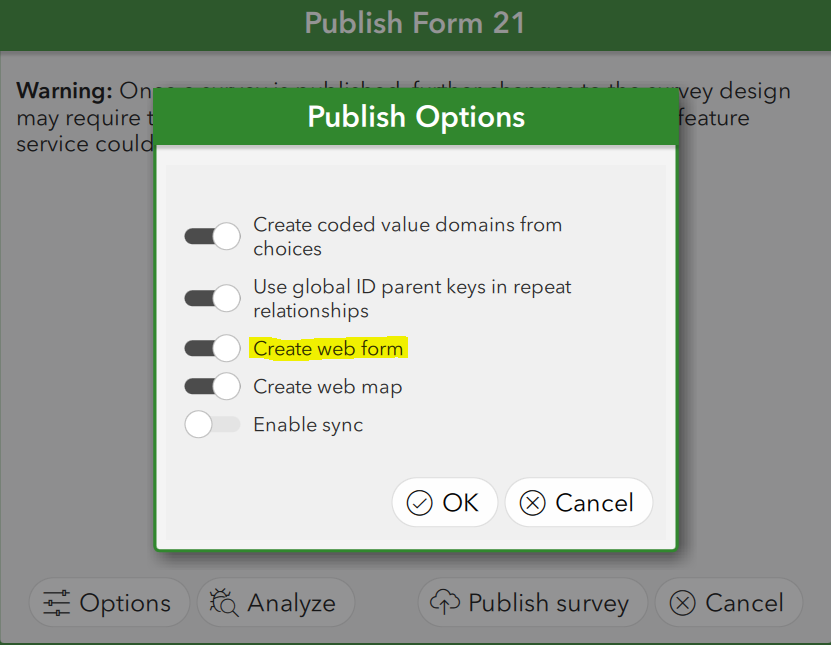
- Turn on Create web form.
- Click OK.
- Publish.
- Open Make (or Power Automate).
- Select "Survey 123 Watch Survey".
- Add another module (Email is used this example scenario).
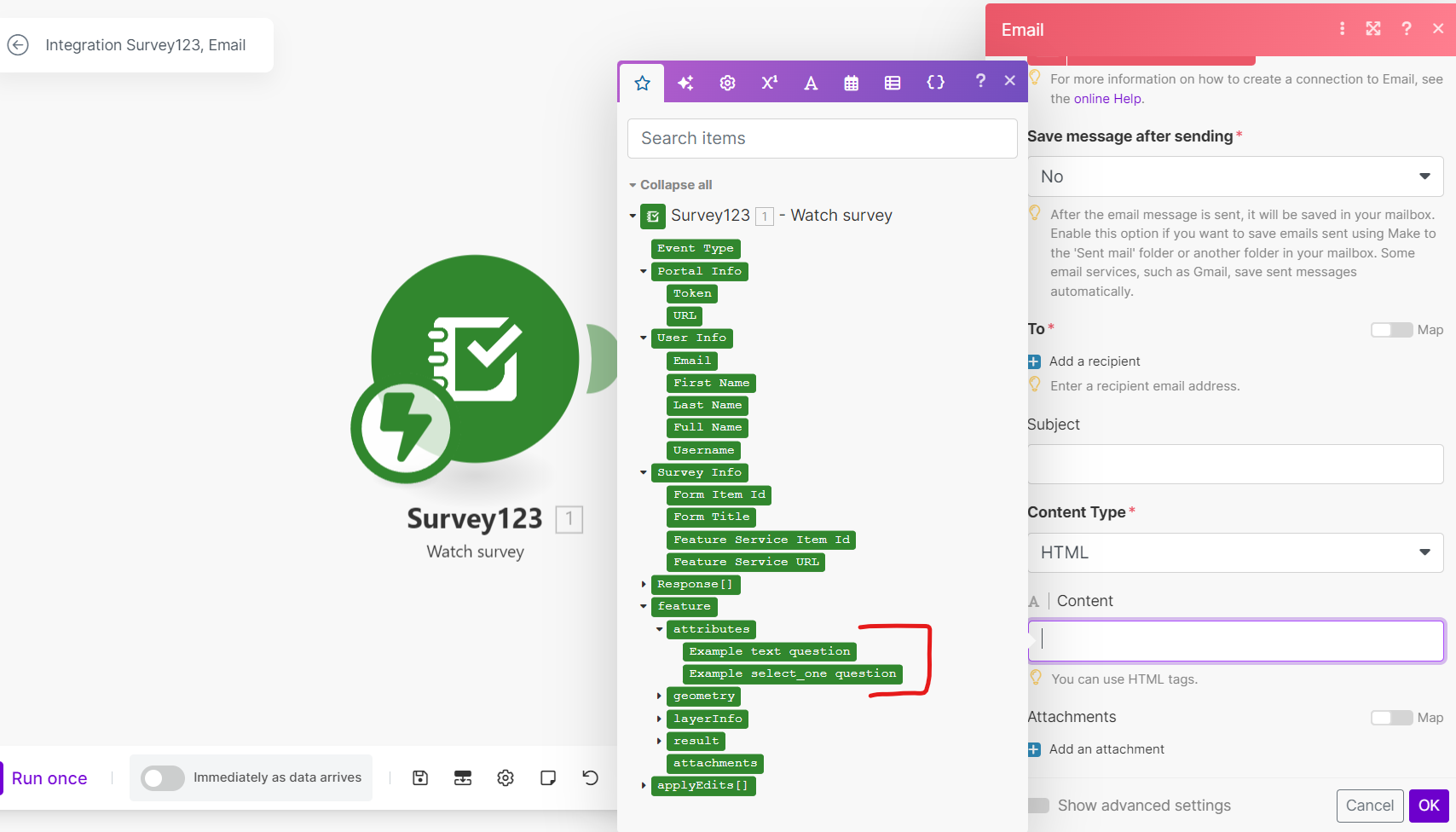
- Click attributes.
- Notice that the new attribute appears.
Following this same workflow, however, for step 5, turn off "Create web form" and you notice the new field does not appear.
Turn on "Create web form" when republishing a new field and bringing into Make or Power Automate, as shown in the next image.
Note:
You are able to see all fields from the form in Make.
- Add a new field called "example3", as shown in the next image,

- Turn Create web form back on and republish, as shown in the next image,
- The new field, example3, now shows under the attributes, as shown in the image below.
Article ID: 000034327
- ArcGIS Survey123 Connect
- ArcGIS Survey123 Website
Get support with AI
Resolve your issue quickly with the Esri Support AI Chatbot.


Discover more on this topic

Search for related information

Find training related to this topic

Explore ideas and give feedback
Get help from ArcGIS experts
Start chatting now