
PROBLEM
Unable to remove header in ArcGIS Instant Apps
Description
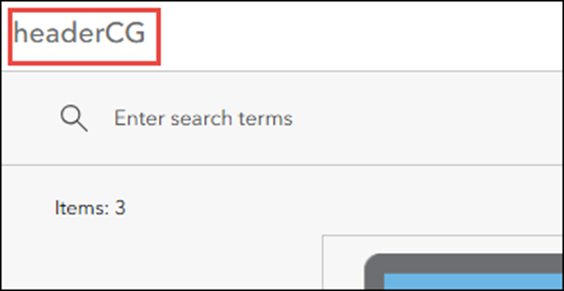
Attempts to remove the header in ArcGIS Instant Apps by removing the app title name fail and the header is still displayed in the web app. The example below shows the header displayed even though the app title has been removed in the Category Gallery template.
Cause
In certain ArcGIS Instant Apps templates, the header is a required element and cannot be disabled. Removing the app title does not disable the header and the option to turn off the header is only available in specific templates.
Solution or Workaround
Note:
There is no supported method to remove the header in templates where it is a required element. The CSS code below only applies to certain templates.
- Log in to ArcGIS Instant Apps and click the My Apps tab.
- Browse to the app and click Configure.
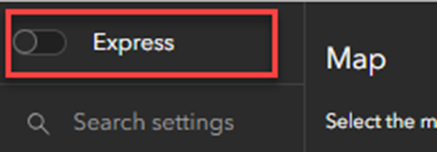
- In the configuration panel, toggle Express off to access the full configuration settings for the app.
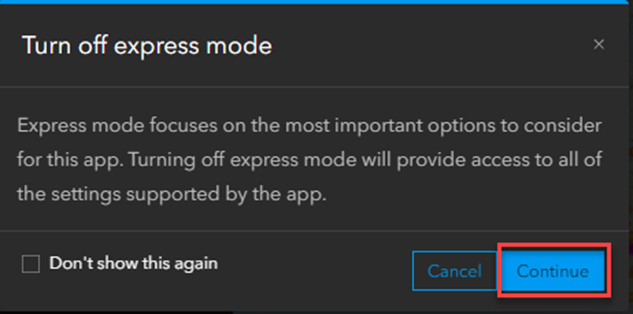
- In the Turn off express mode window, click Continue. Turning off express mode allows for more custom configuration to the app.
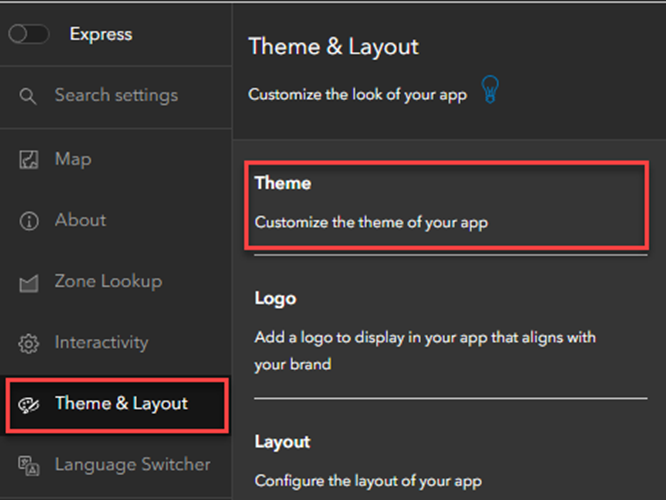
- Click Theme & Layout > Theme.
Note:
Optionally, click Search settings and type Custom CSS. The Theme & Layout panel is displayed.
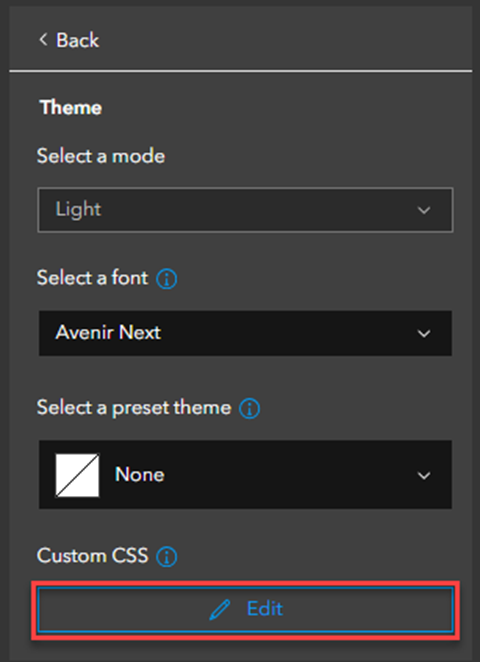
- Under Theme, click Edit in the Custom CSS section.
Warning:
Updates to the source template in ArcGIS Instant Apps may impact an app's custom CSS.
- In the Custom CSS window, copy and paste the following CSS code to remove the header:
header {
display:none;}
- Click Close to run the CSS code.
- Click Publish to save the configuration.
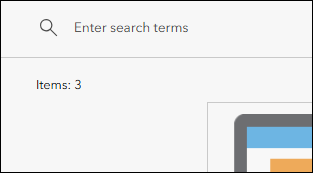
The image below shows the header not displayed in the web map in the Category Gallery template.
Article ID: 000037725
- ArcGIS Online
- Configurable Web Apps
Get support with AI
Resolve your issue quickly with the Esri Support AI Chatbot.


Related Information
Discover more on this topic

Search for related information

Find training related to this topic

Explore ideas and give feedback
Get help from ArcGIS experts
Start chatting now