
PROBLEM
Legend extends to additional pages when exporting web apps in ArcGIS Instant Apps
Description
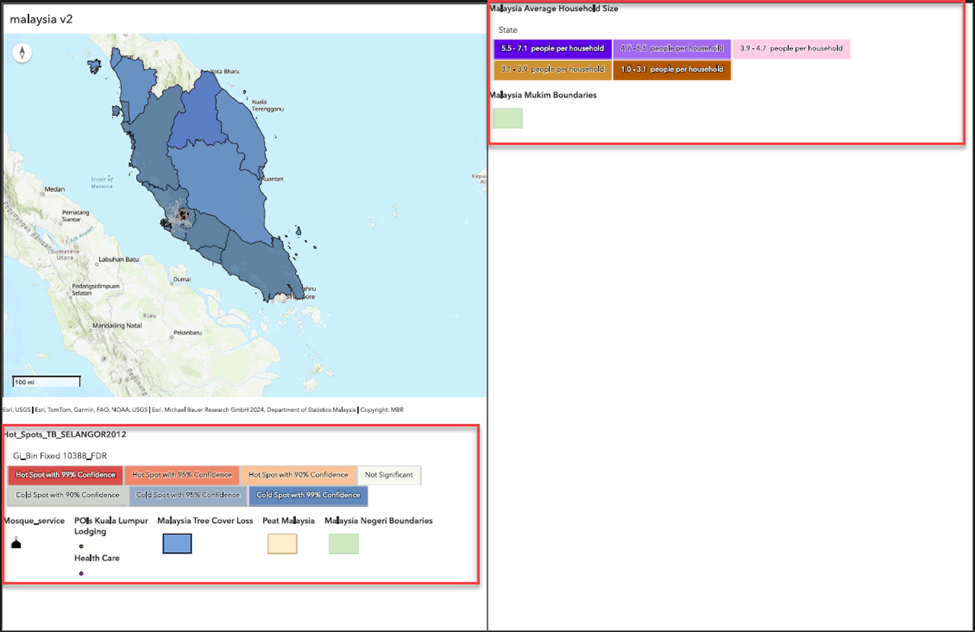
When exporting a web app to PDF in an ArcGIS Instant Apps template such as the Sidebar template, the legend extends onto additional pages, often resulting in two or more pages, as shown in the image below.
Cause
This is by design. ArcGIS Instant Apps supports exporting PDFs only in portrait orientation. Consequently, when a web app is exported, extensive legend content may exceed the page length and print on additional pages.
Solution or Workaround
Adjust the browser print scale
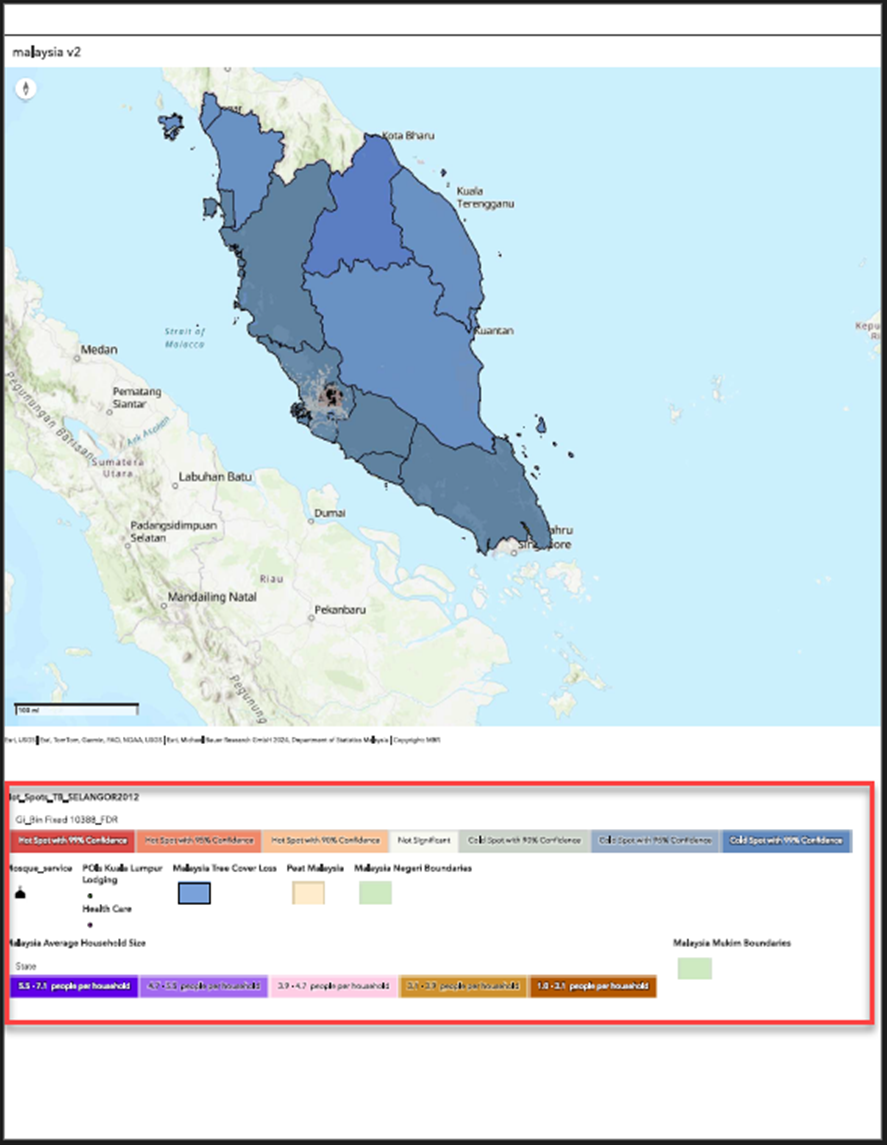
Adjusting the print scale in the browser to a smaller value reduces the map and legend size, allowing both to fit on one page.
- Log in to ArcGIS Instant Apps and click the My Apps tab.
- Browse to the app and click Configure.
- On the web app, click Export or Print
 .
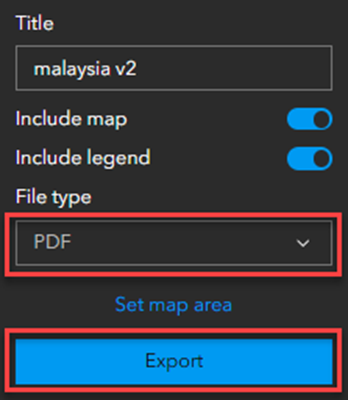
. - Expand the File type drop-down menu and select PDF.
- Click Export.
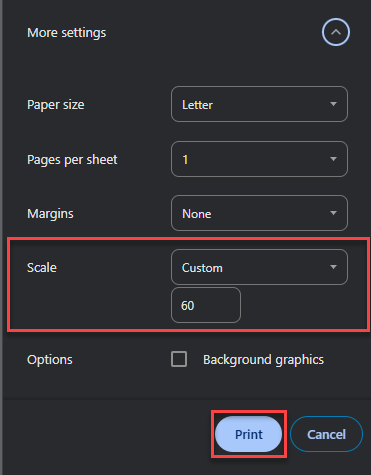
- In the print preview window, under More settings, expand the drop-down menu and select Custom for Scale. Specify the preferred scale. In this example, 60 is specified.
- Click Print.
The image below shows the map and legend displayed in one page when exported from ArcGIS Instant Apps.
Simplify the legend content
Hide or remove unnecessary layers in the legend to reduce its length and improve the chance of fitting both the map and legend on one page.
Use the Print tool in ArcGIS Online Map Viewer
Use the Print tool in ArcGIS Online Map Viewer to include both the map and legend in a single output layout. Confirm the Include legend checkbox in the Advanced options section of the Print tool is selected. Refer to ArcGIS Online: Print maps (Map Viewer) for instructions.
Article ID: 000038624
- ArcGIS Online
- Configurable Web Apps
Get support with AI
Resolve your issue quickly with the Esri Support AI Chatbot.


Related Information
Discover more on this topic

Search for related information

Find training related to this topic

Explore ideas and give feedback
Get help from ArcGIS experts
Start chatting now