
PROBLEM
External open data groups are not displayed in ArcGIS Hub workspaces
Description
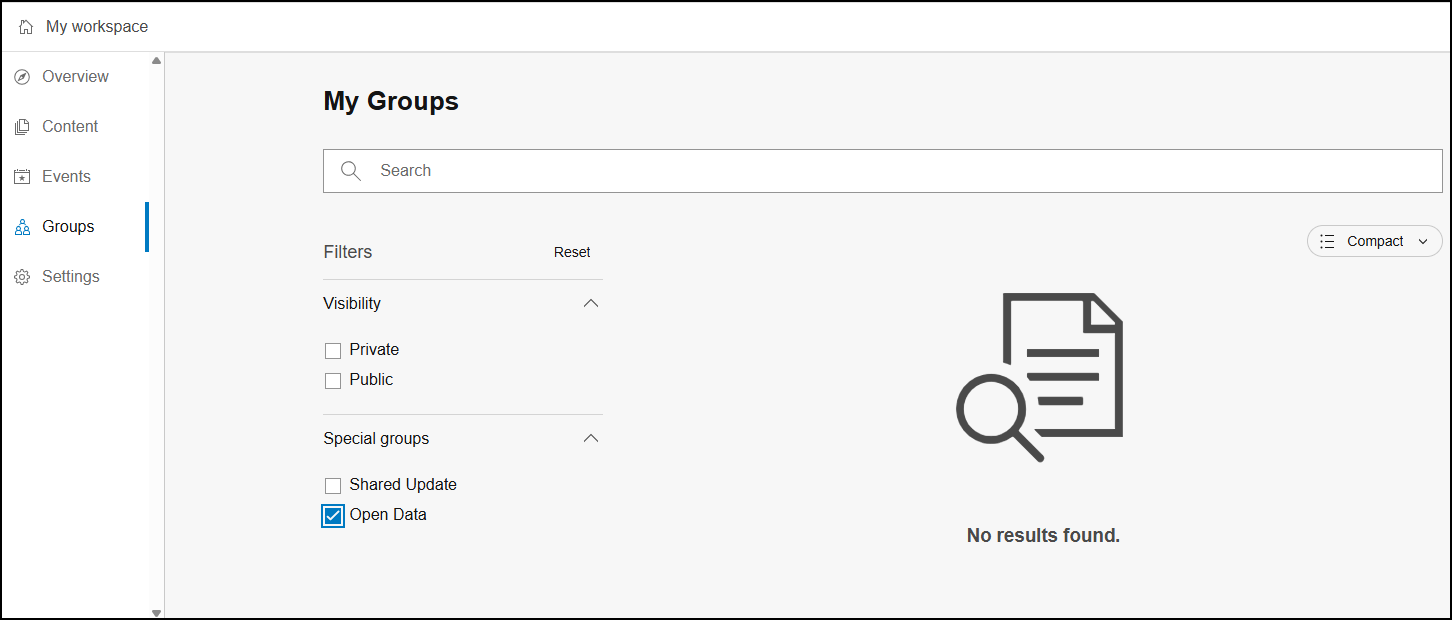
In the ArcGIS Hub workspace, checking the Open Data check box in the My Groups page on the Groups tab does not display external open data groups to be added to sites.
Cause
This is a known limitation. The new workspace does not currently support adding open data groups from external ArcGIS Online organizations.
Solution or Workaround
Use the ArcGIS Hub classic edit mode to add external open data groups to sites.
Note:
The classic edit mode is supported until June 2026.
- Open ArcGIS Hub and log in using the ArcGIS Online organizational account.
Note:
If ArcGIS Hub is previously configured to work with workspaces, proceed with Step 2. Otherwise, skip to Step 5.
- In My workspace, click Settings.
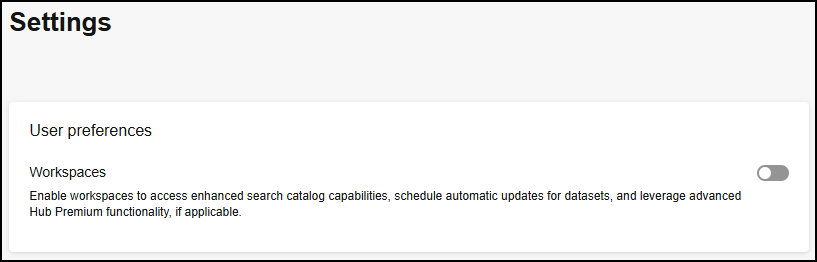
- In Settings, toggle Workspaces off and click Save.
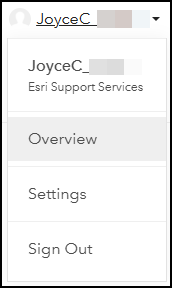
- Click the username on the top right and select Overview from the drop-down menu.
- In the Opt-in to workspaces window, click Close.
Note:
If there is no existing site available, create a new one before proceeding to the next step. Refer to ArcGIS Hub: Create a site for instructions.
- On the Overview tab, click the site to add the open data group to it.
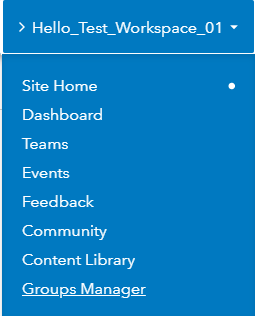
- In the Hub site, on the top-left corner, hover over the site's tab and click Groups Manager.
- On the Groups page, click the Add Groups
 icon.
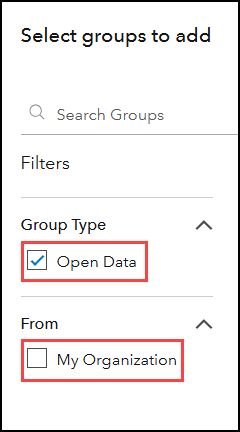
icon. - In the Select groups to add window, under Filters, check Open Data and uncheck My Organization.
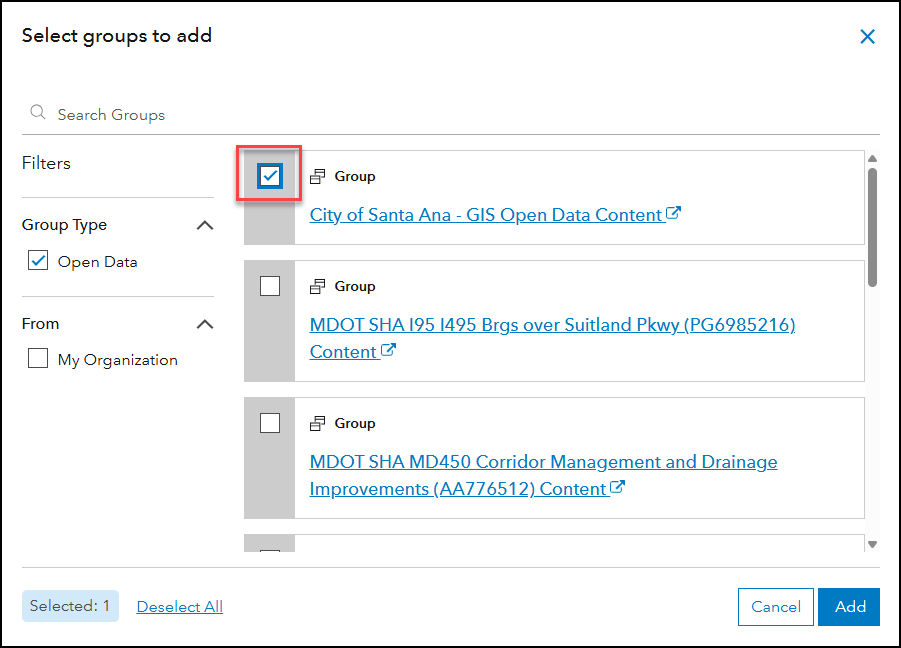
- Check the check box next to the group to be added to the site and click Add.
Article ID: 000037213
- ArcGIS Online
Get support with AI
Resolve your issue quickly with the Esri Support AI Chatbot.


Related Information
Discover more on this topic

Search for related information

Find training related to this topic

Explore ideas and give feedback
Get help from ArcGIS experts
Start chatting now