
PROBLEM
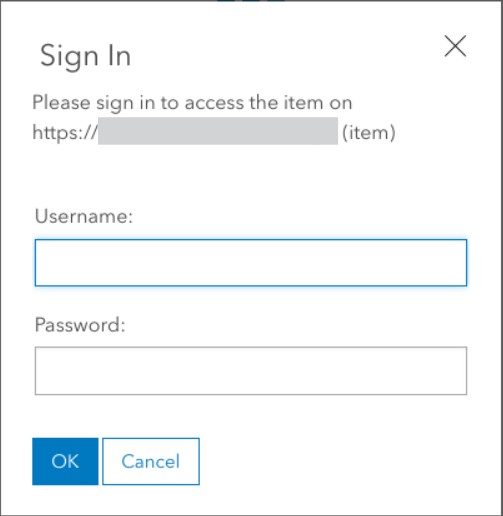
Login prompt appears on trying to access Portal content
Description
When trying to access any item in the Portal for ArcGIS content, a prompt to login using the ArcGIS Portal appears, without which accessing the content is not possible.
Cause
The browser was using stale or invalid session cookies, tokens, or a cached redirect.
Solution or Workaround
Any of the steps below should individually open the ArcGIS Portal item without the login prompt.
- In an incognito/private browser, navigate to the ArcGIS Portal content page and try accessing any item.
- In the browser settings, clear the browser cache.
- Access the ArcGIS Portal content using a different browser.
Article ID: 000036695
Software:
- Portal for ArcGIS
Get support with AI
Resolve your issue quickly with the Esri Support AI Chatbot.


Discover more on this topic

Search for related information

Find training related to this topic

Explore ideas and give feedback
Get help from ArcGIS experts
Start chatting now