
Frequently asked question
Is it possible to share folders to an individual user in ArcGIS Online?
No, it is not possible to share folders with an individual user in ArcGIS Online. As a workaround, create a group, add the user, and share the items from the folder with the group. To do so, follow the instructions described below.
Note:
The following actions require administrative privileges for groups created with update capabilities. Refer to ArcGIS Online: Administrative privileges for more information.
- In ArcGIS Online, create a group, and add the required user to the group.
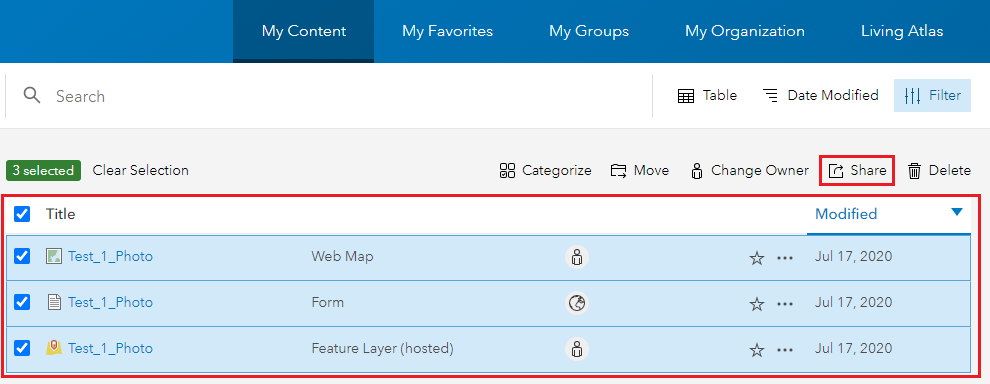
- Navigate to the desired folder and share items in the folder to the group.
The following image shows the Share icon on the Contents tab in ArcGIS Online.
Article ID: 000023803
Software:
- ArcGIS Online
Get support with AI
Resolve your issue quickly with the Esri Support AI Chatbot.


Related Information
Discover more on this topic

Search for related information

Find training related to this topic

Explore ideas and give feedback
Get help from ArcGIS experts
Start chatting now