
Frequently asked question
Can descriptive text be added to the Edit tool in the ArcGIS Instant Apps Sidebar template?
No. The Edit tool in the ArcGIS Instant Apps Sidebar template does not provide an option to add or display custom descriptive text in the side panel. The tool is designed specifically for editing feature geometry and attribute in the configured layers, and there is no direct way to add descriptive text. Adding descriptive text is useful for providing editing guidance and helping users avoid errors when updating features.
Alternatively, the descriptive text can be added by configuring forms in ArcGIS Online Map Viewer. Refer to the following steps for instructions.
- Log in to ArcGIS Online.
- Click Content > My content.
- On the My content tab, navigate to the web map.
- Click the More Options button
 and select Open in Map Viewer.

- In Map Viewer, navigate to the Contents (dark) toolbar, and click Layers
 and select the editable layer.
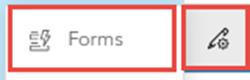
 - On the Settings (light) toolbar, click Configure editing > Forms
 .
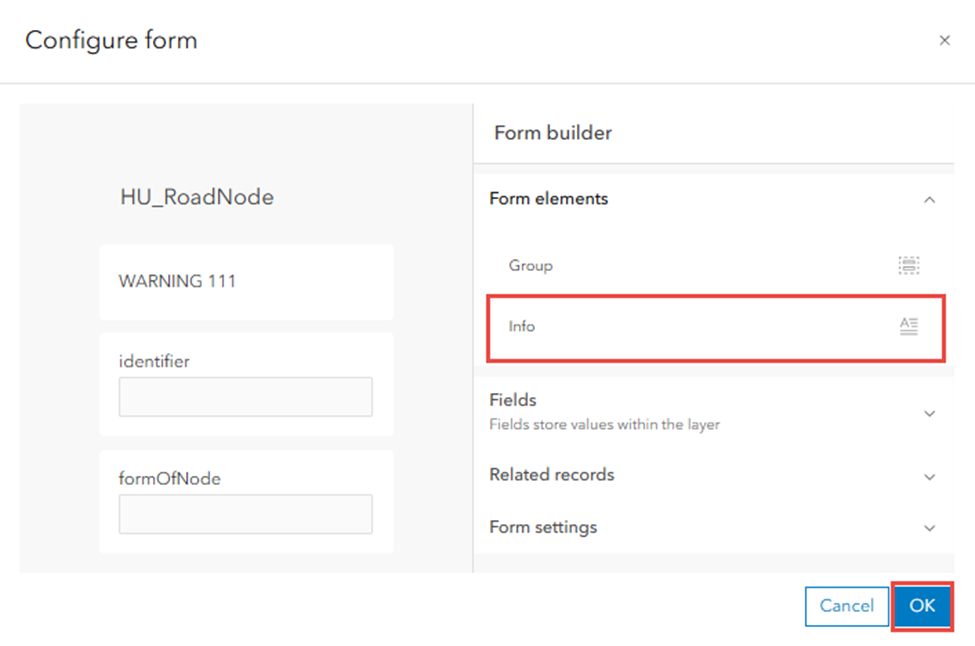
. - In the Configure form window, add the descriptive text using the Info element from the Form elements list. Refer to ArcGIS Online: Add descriptive text for instructions.
- Click OK to close the Configure form window and save the form to the layer.
- On the Contents (dark) toolbar, click Save and open > Save.
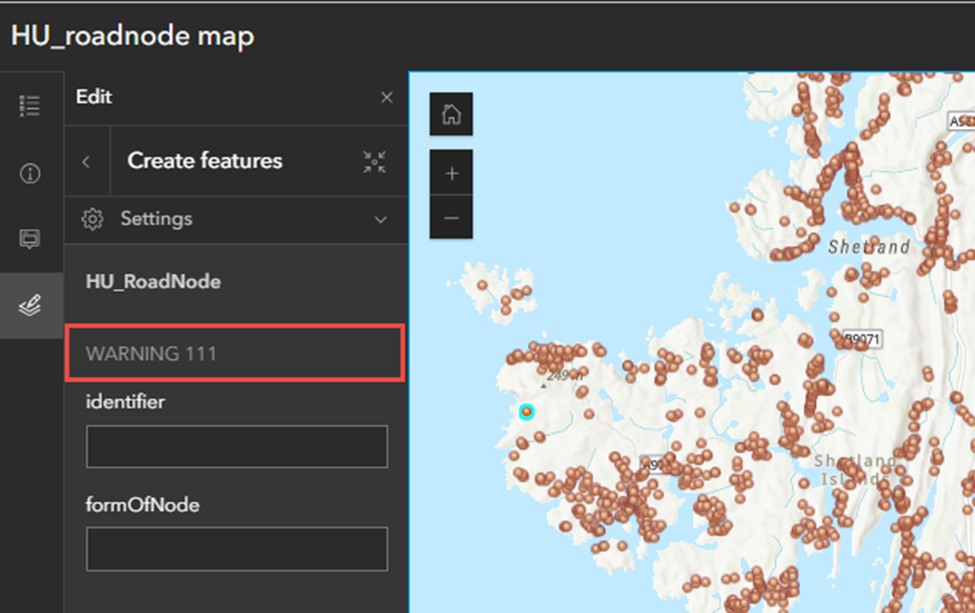
The image below shows the descriptive text is added to the Edit tool when using the same web map in the ArcGIS Instant Apps Sidebar template .
Article ID: 000037842
- ArcGIS Online
- Configurable Web Apps
Get support with AI
Resolve your issue quickly with the Esri Support AI Chatbot.


Related Information
Discover more on this topic

Search for related information

Find training related to this topic

Explore ideas and give feedback
Get help from ArcGIS experts
Start chatting now